
Implates
General
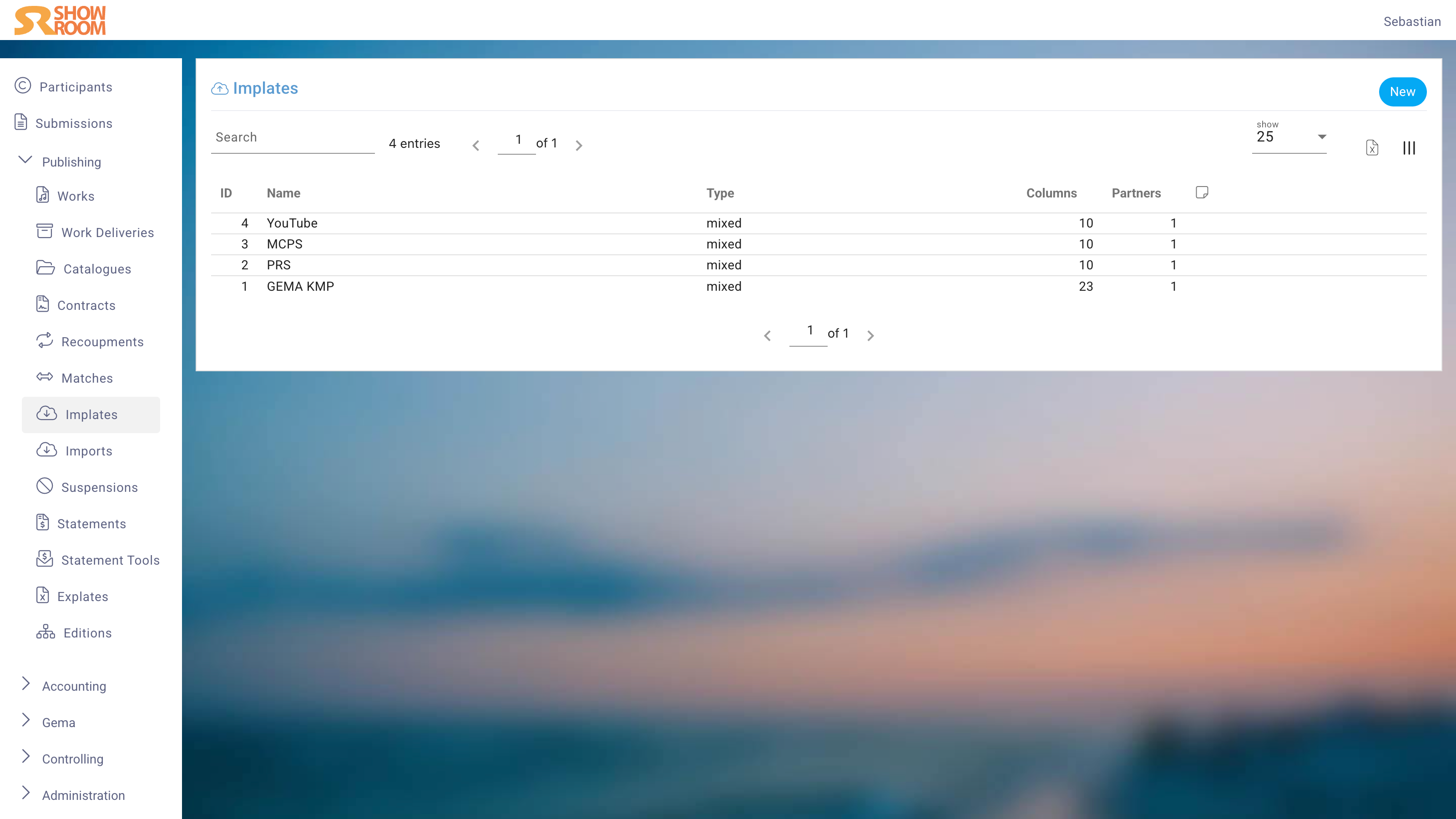
Import Templates (Implates) define how Excel files from Partners are read. Because each Partner delivers data in a different column format, you create one Implate per Partner file format.
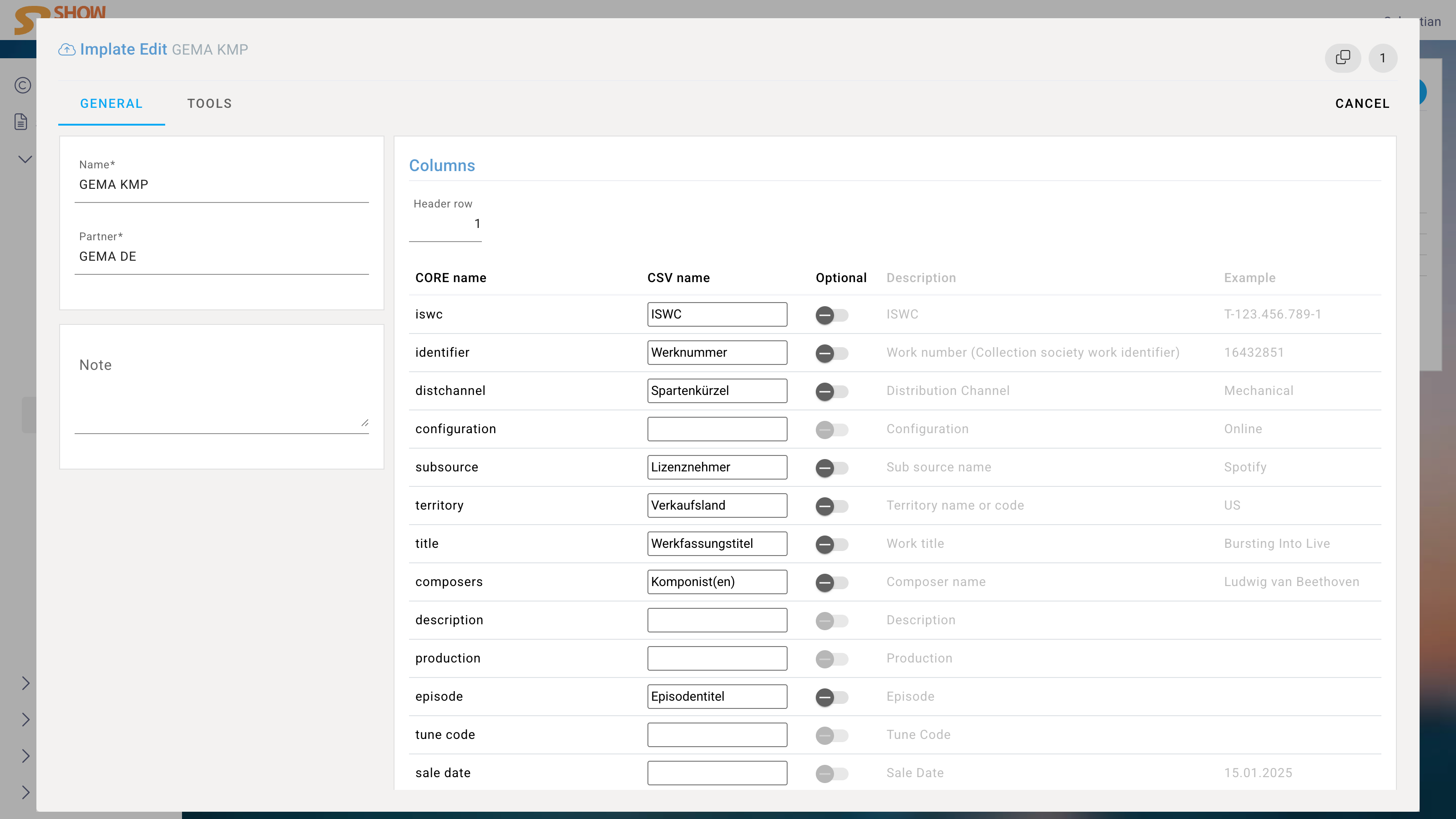
Edit View
General
Name
The template name (required).
Type
The category of data this template handles.
Start Row
The row number in the Excel file where actual data begins (default: 1).
Notes
Internal notes.
Columns
For each column in the Partner's Excel file, add a row:
| Field | Description |
|---|---|
| Column ID | The system field this column maps to |
| Alias | The column header exactly as it appears in the Partner's file |
| Name | Friendly display name |
| Description | What this column contains |
| Optional | Whether this column is required for a valid import |
| Example | A sample value to aid setup and testing |
Map each column header exactly as it appears in the Partner's file — including spaces, special characters, and encoding. Mark as Optional any columns that appear in some files but not in others from the same Partner.
Implate Partners
Link the Implate to one or more Partners. This association allows melino to automatically suggest the correct template when a Partner sends a new file.