
Parties
General
A Party is any person or company credited on the catalog - a main artist, a featured artist, a remixer, a producer, a studio musician, and the writers and publishers of a Work. One party record is shared by every credit that names it, so renaming it once corrects it everywhere.
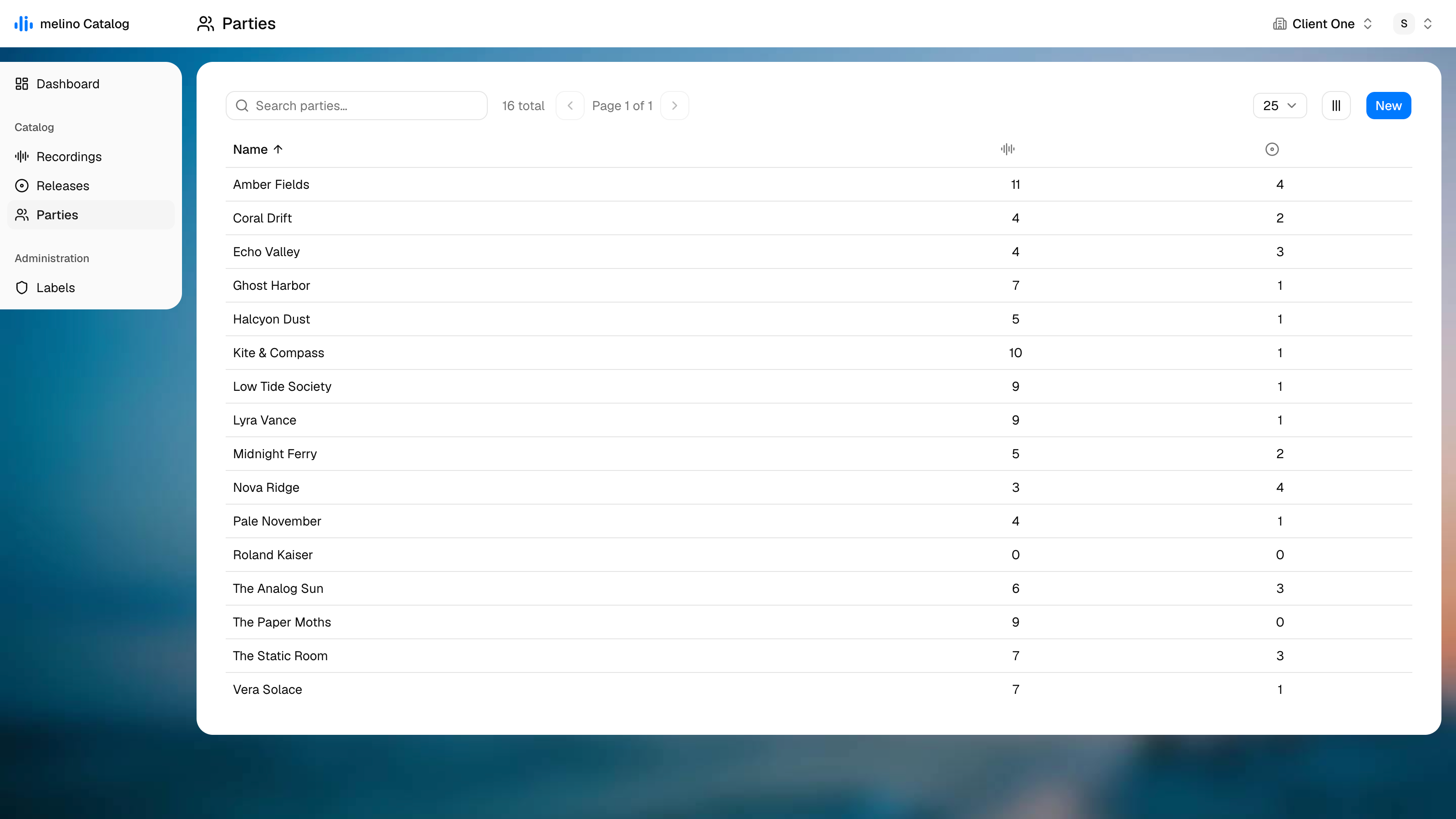
Search matches the name. The two count columns are the quick answer to how much of the catalog depends on a party.
| Column | Description |
|---|---|
| Name | The party's name |
| Recordings | How many recordings credit this party, in any role |
| Releases | How many releases credit this party |
| Created / Modified | Hidden by default - switch them on in the column menu |
Creating parties
There are two ways in, and the second is the usual one:
- New on this screen creates a party called Untitled party and opens it.
- While crediting someone on a Recording, a Release or a Work, type a name the catalog does not know and choose Create party "…".
A party invented that way is staged like any other edit: it is only inserted when you save the page you invented it on. Matching happens by name, so pressing Save again after a failed save finds the party that was already created rather than making a second one.
Edit view
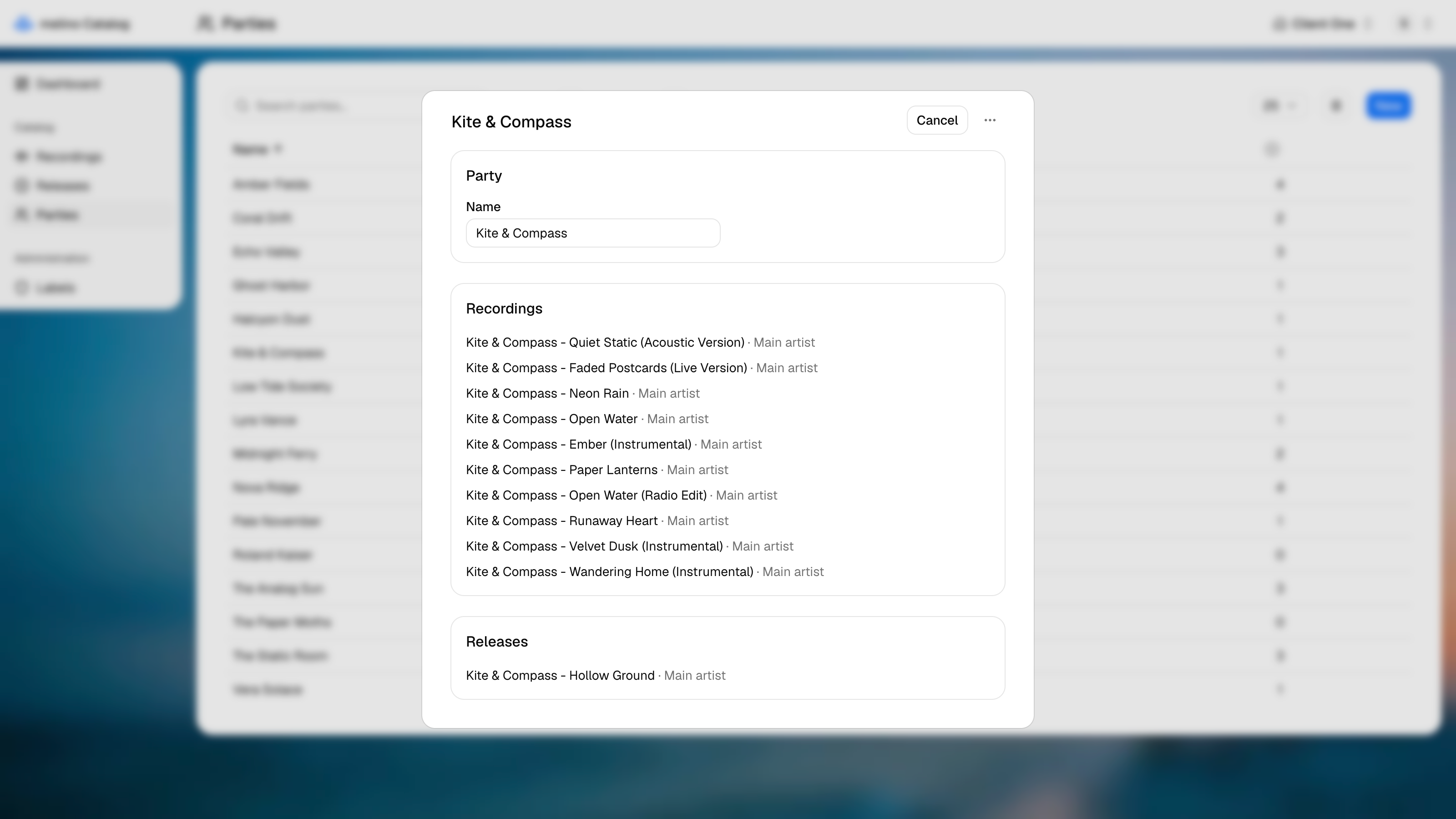
The party itself has three fields:
| Field | Description |
|---|---|
| Name | The name the party is credited under |
| IPI name number | The party's IPI name number, an 11-digit identifier assigned by the collecting societies. It lets partners and societies match a writer or publisher to their own records, so it matters most for parties credited on a Work |
| ISNI | The International Standard Name Identifier, 16 digits, which identifies the party across the wider music and media industry |
Both identifiers are optional and can be filled in later.
Everything below the fields is read-only context:
- Recordings - every recording that credits this party, with the role it holds on each
- Works - every work the party is a writer or publisher of, or No works yet.
- Releases - every release that credits this party, with the role
These lists link straight through to the record, which is how you remove a credit: open the recording or release and take the chip off there.
A party cannot be deleted while anything still credits it. The confirmation dialog names what is in the way - "2 recordings and 1 release" - and links to each one, so the assignments can be removed first.