
Financial
The Financial screen is where Partners provide the payout and tax details the label needs to pay them. A How it works button opens a short guide explaining the process.
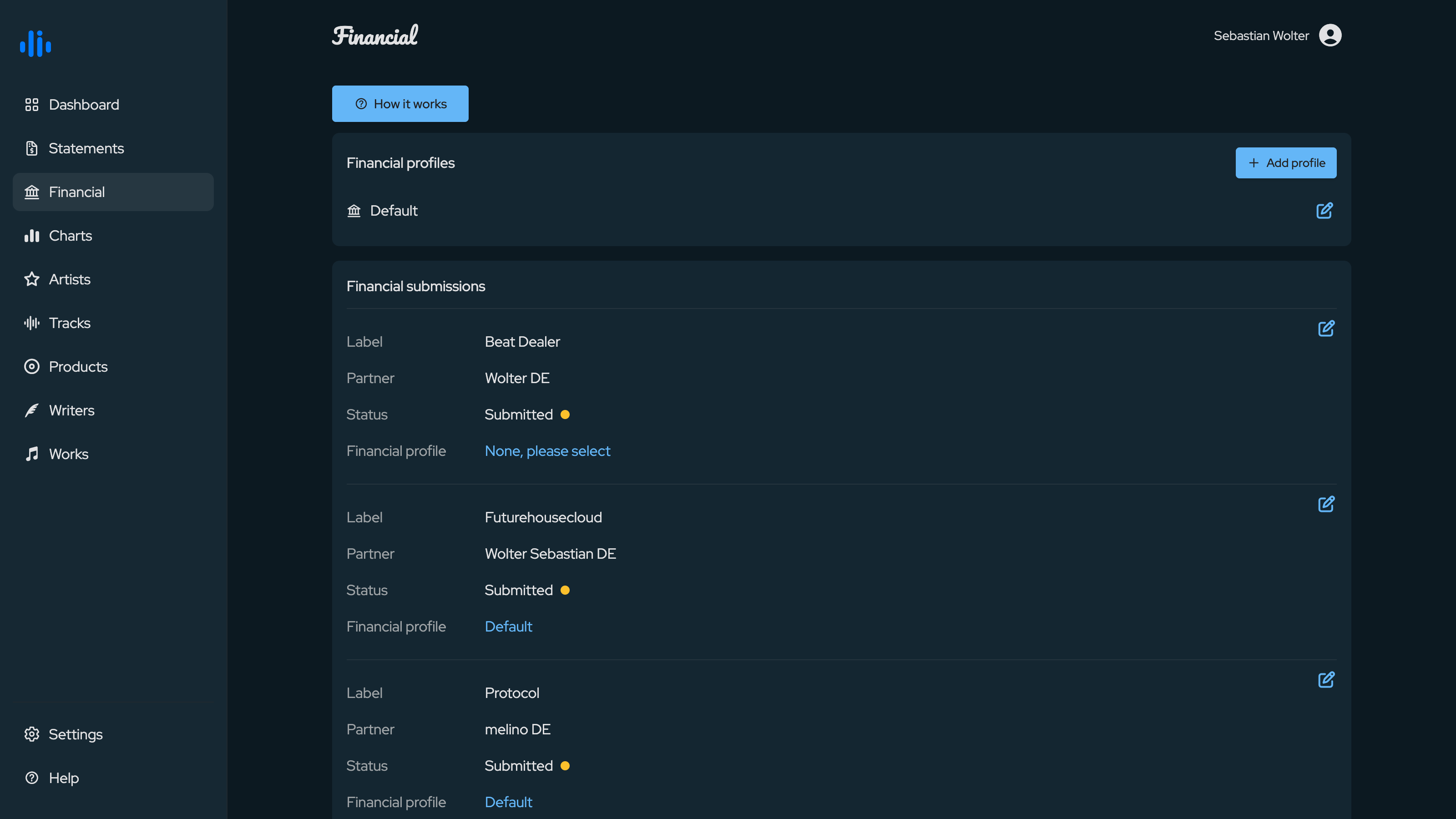
Financial profiles
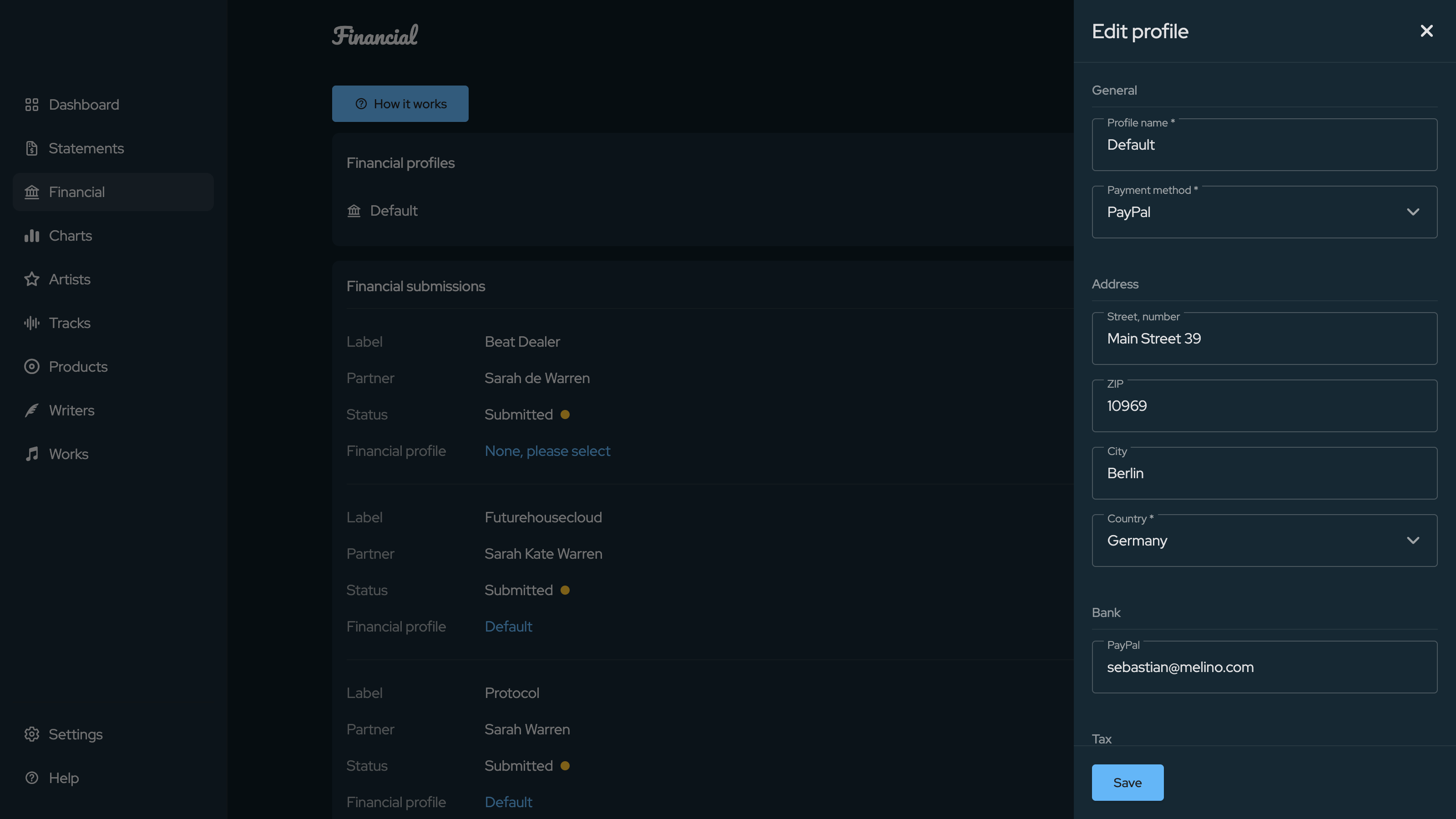
A financial profile bundles everything required for a payout: the legal form, VAT ID and tax number, the payment method (bank transfer with IBAN, account holder and BIC, or account number and routing number, or PayPal), and the billing address.
Partners can keep more than one profile - for example a private and a company profile - and add new ones with Add profile. An existing profile is opened for editing with the pencil icon.
Financial submissions
Each relationship the Partner has with a label appears as a submission. A submission shows the Label, the Partner name on that label's side, the current Status, and the financial profile assigned to it.
To get paid, the Partner assigns one of their profiles to each submission and submits it to the label. Once submitted, the status reflects that the data has been sent. Editing a profile that is already in use automatically re-applies the updated details to the affected submissions.