Tag Groups
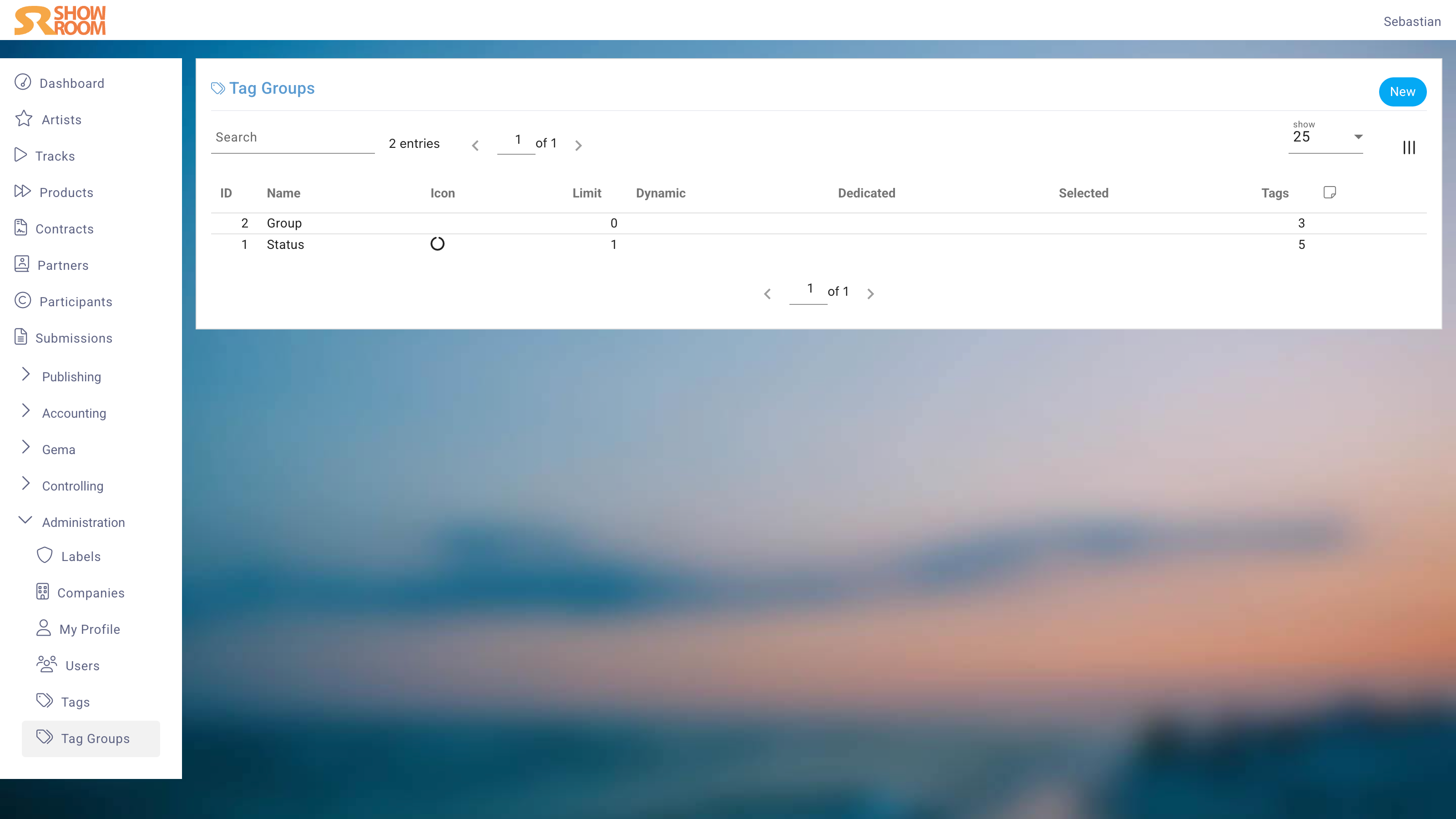
A Tag Group provides a framework within which tags exist. For a Tag to be assigned to an item, the Tag Group must be enabled for that item's type.
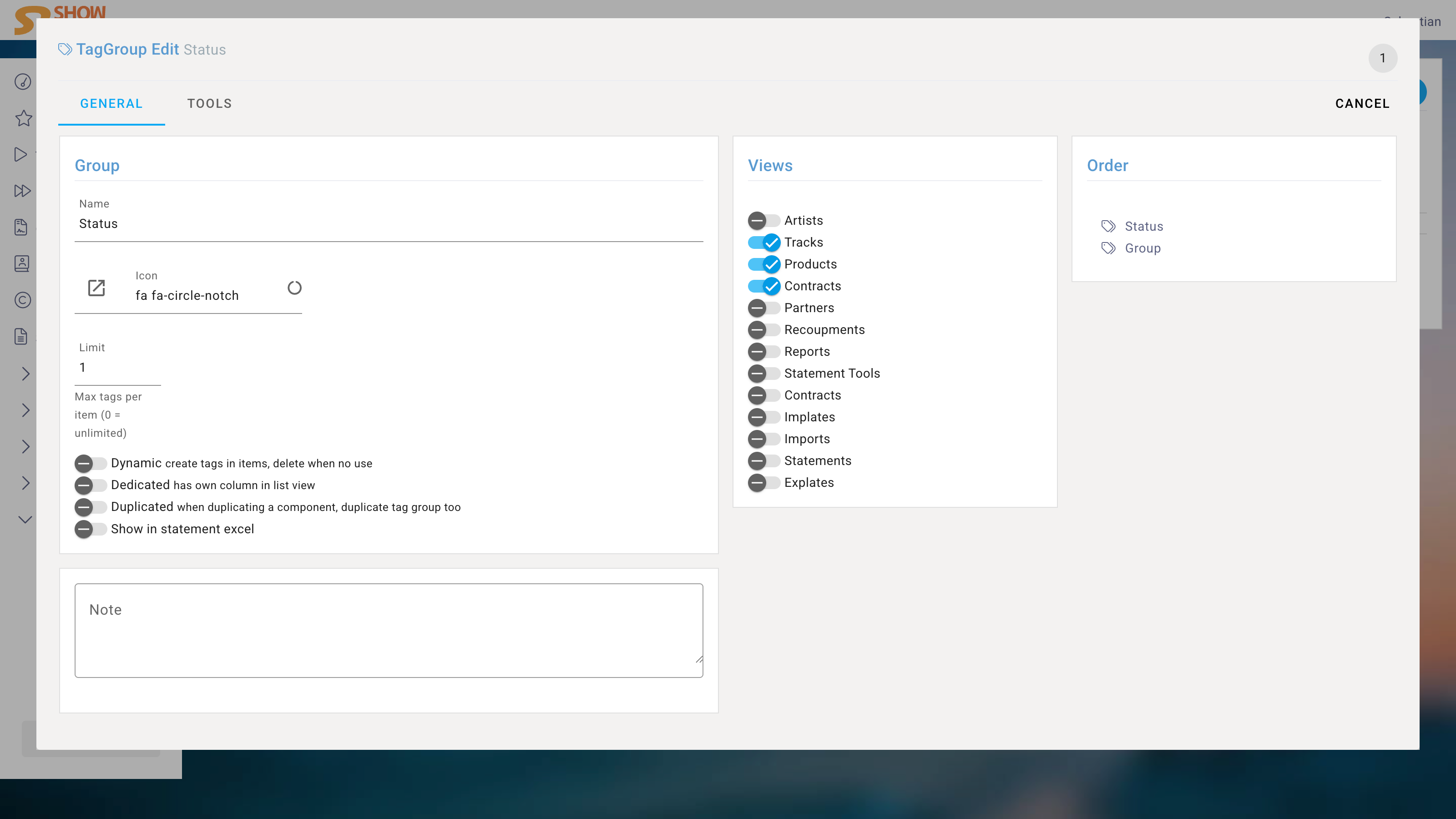
Name
Choose a name that is as short as possible but descriptive.
Limit
Set a maximum number of tags per item, where 0 means unlimited.
Misc
If you enable Dynamic, you can create Tags in items by typing, and they will be deleted when the last Tag is removed.
To dedicate this Tag Group a own column, enable the Dedicated. Else the Tag will be shown in the general Tag column.
With Duplicated you determine that Tags within this Tag Group will also be duplicated when the item is duplicated.
Show in statement Excel allows you to include the Tags of this Tag Group in the Excel file of Statements.
Views
Select the item types for which this Tag Group should be available. Only the selected item types will be able to use Tags from this Tag Group.
Order
The order of the Tag Groups can be changed by dragging and dropping. The order is relevant for the display of the Tag Groups in the item details and for the order of the columns in the Excel exports.