Products
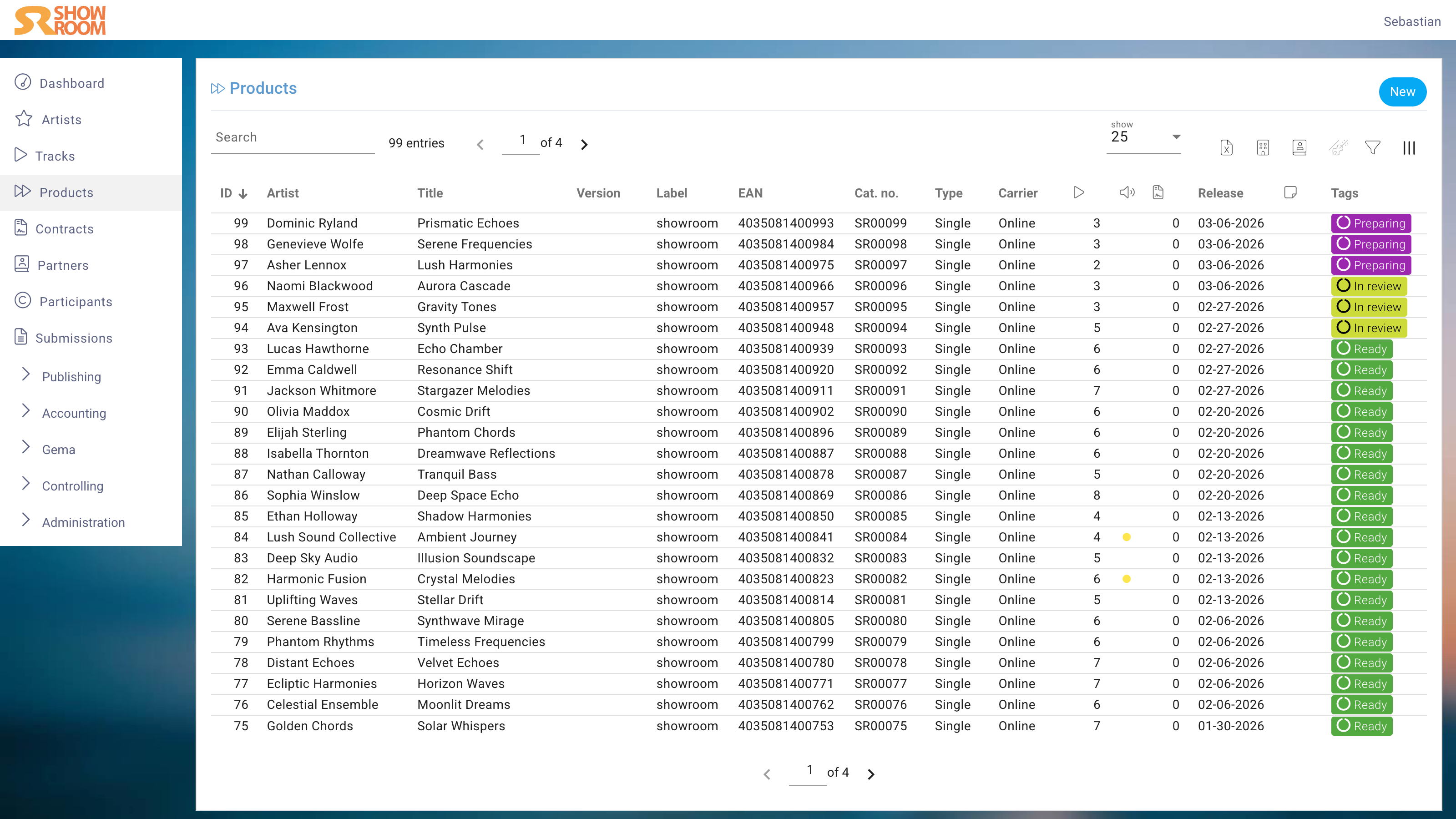
The Products component in the system is essential for any record label. It’s where you create your releases – from singles to EPs to albums and also to non-music products like merchandise.
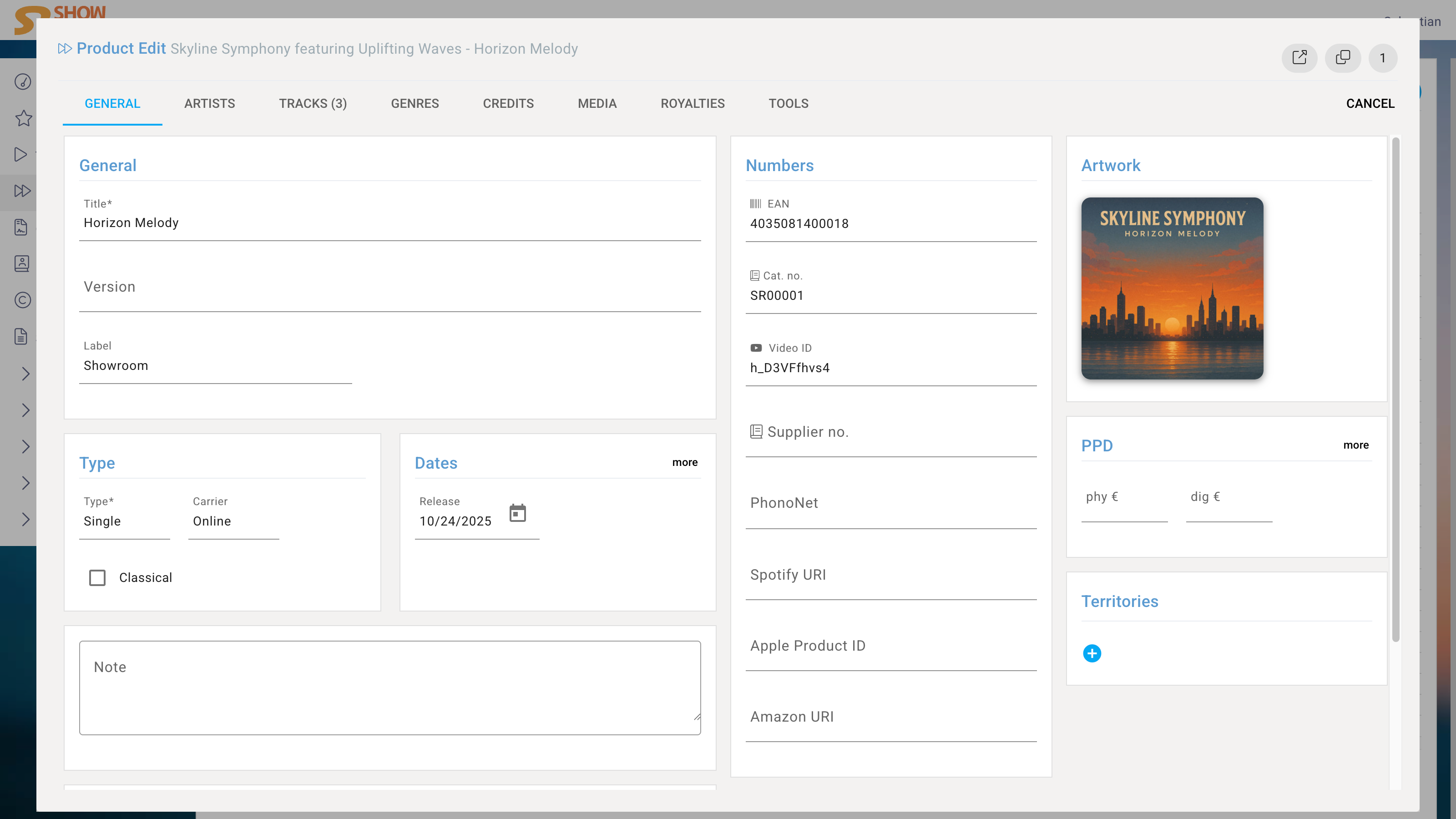
Creating a product starts with the title and version, the label on which the product is released, the type, for example album, carriers such as Online or Vinyl, and the release date.
Edit View
General
In the middle area of General, you store identifiers like EAN (also known as UPC or GTIN) or catalog number, which can also be generated automatically with your company’s root.
With the Supplier number, you can enter custom IDs that you or your business partners need. Also a set of frequently used identifier types, such as Spotify URI, is already provided by default.
When the product’s artwork is uploaded, it is validated, so your distributor will be able to process it.
Artists
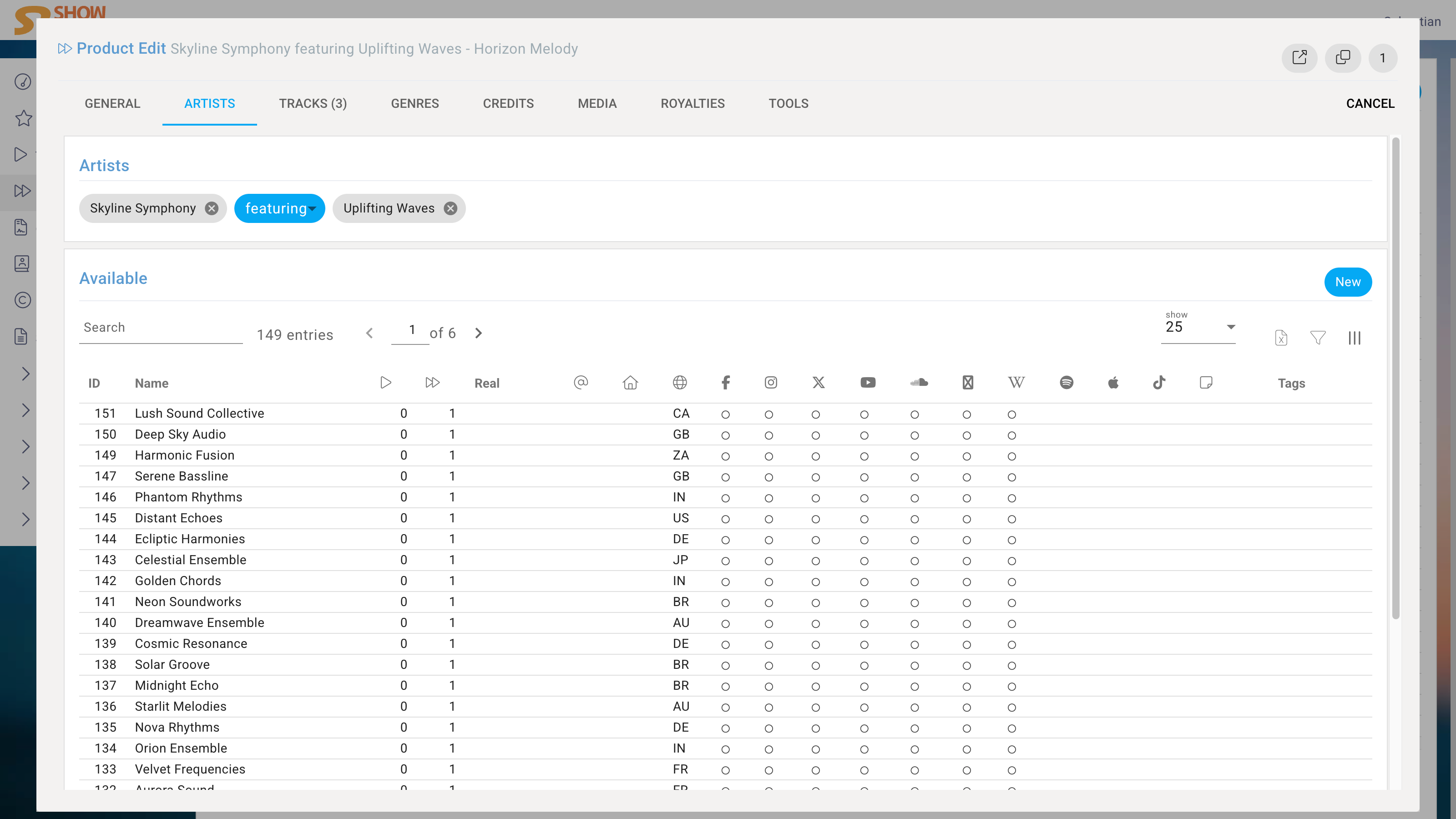
The Artists are assigned by choosing from the Artists database or by creating a new Artist on the fly.
If multiple Artists are involved, the selection step is repeated, and a Copula is placed before each additional Artist's name. The Copula later determines whether the additional Artist is a primary or secondary Artist. Secondary Artists are not linked to an Artist profile in many DSPs.
The following Copulas are available by default:
| Copula | primary/secondary |
|---|---|
| , | primary |
| + | primary |
| & | primary |
| x | primary |
| and | primary |
| featuring | secondary |
| feat. | secondary |
| vs. | primary |
| presents | primary |
| meets | primary |
| with | primary |
| und | primary |
| mit | primary |
Tracks
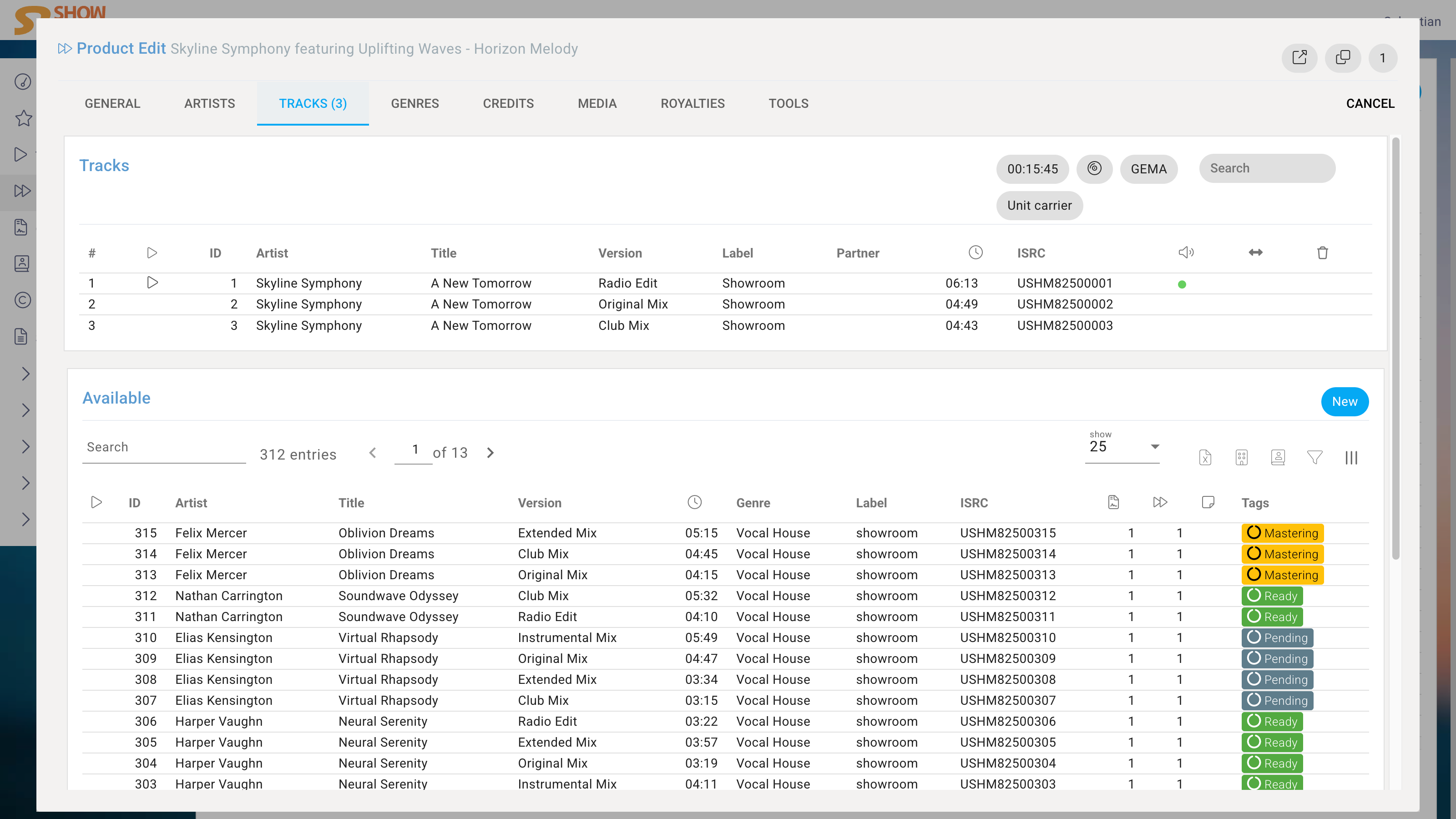
In the Tracks tab, you create the playlist of the product. Search, select and move tracks or create new one on the fly.
As an enterprise solution, the system supports the configuration of all types of physical products, like fan boxes with a CD and DVD or a bundle of a double vinyl and a t-shirt.
Genres
In the Genres tab, you can make the stylistic classification of the product. the system automatically matches it with the specifications of your distributors.
Credits
Under Credits, product contributors will be added. The Participants that are already set in each track will be inherited, but you might want to add additional credits that are specific to the product.
Media
You can store marketing data in the Media tab like press releases in multiple languages. This promotional information will be used not only for the public release but also for the product page that is auto generated for each product. You can think of a product page as an interactive labelcopy that you can send to your Partners like licensees or licensors, radio stations or agencies and where they can stream and download all data, if you allow them to.
Tools