Matches
During a sales import, a sales line might not be automatically assignable, for example, because the ISRC is unknown or the reported Track doesn't exist in the database.
In that case, there are two ways to import the sale and have it automatically recognized for future sales imports:
- You can add the identifier (e.g., ISRC, UPC, catalog number) to a Track or Product.
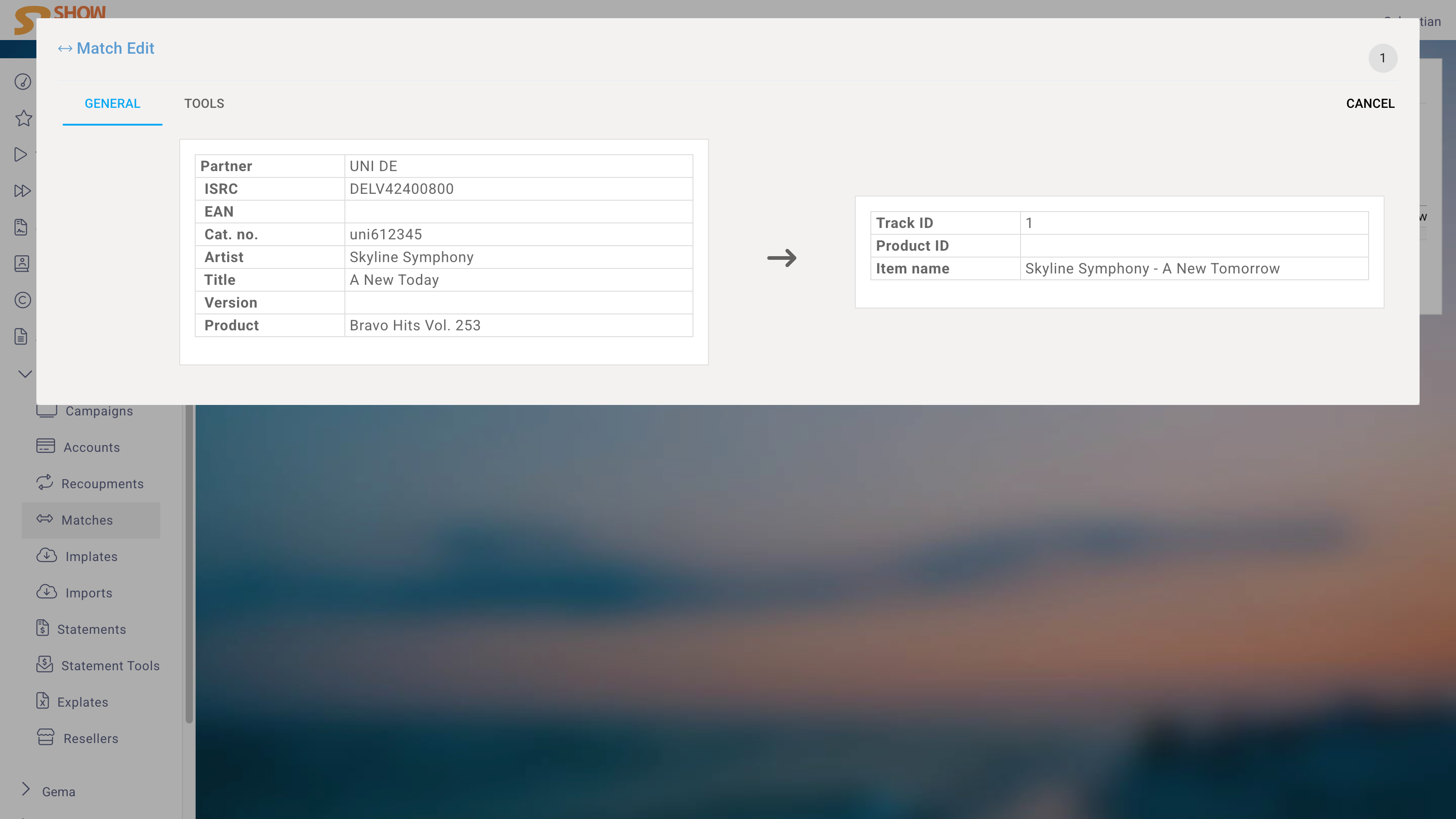
- You can save the combination of all reported metadata as an assignment. (Reporter, Title, Artist, ISRC, UPC, Catalog Number, etc.)
The latter is a Match.
List View
Matches are displayed in the List View and can be searched there.
Edit View
The only action possible in the Edit View is deleting a match.
In this case, the dispute will be displayed again in a subsequent sales report with the same combination, and you will have to create the match again. It is not possible to change a match, i.e., assign it to a different Track or Product, because this could lead less experienced users to assume that it also affects past sales imports, which is not the case.