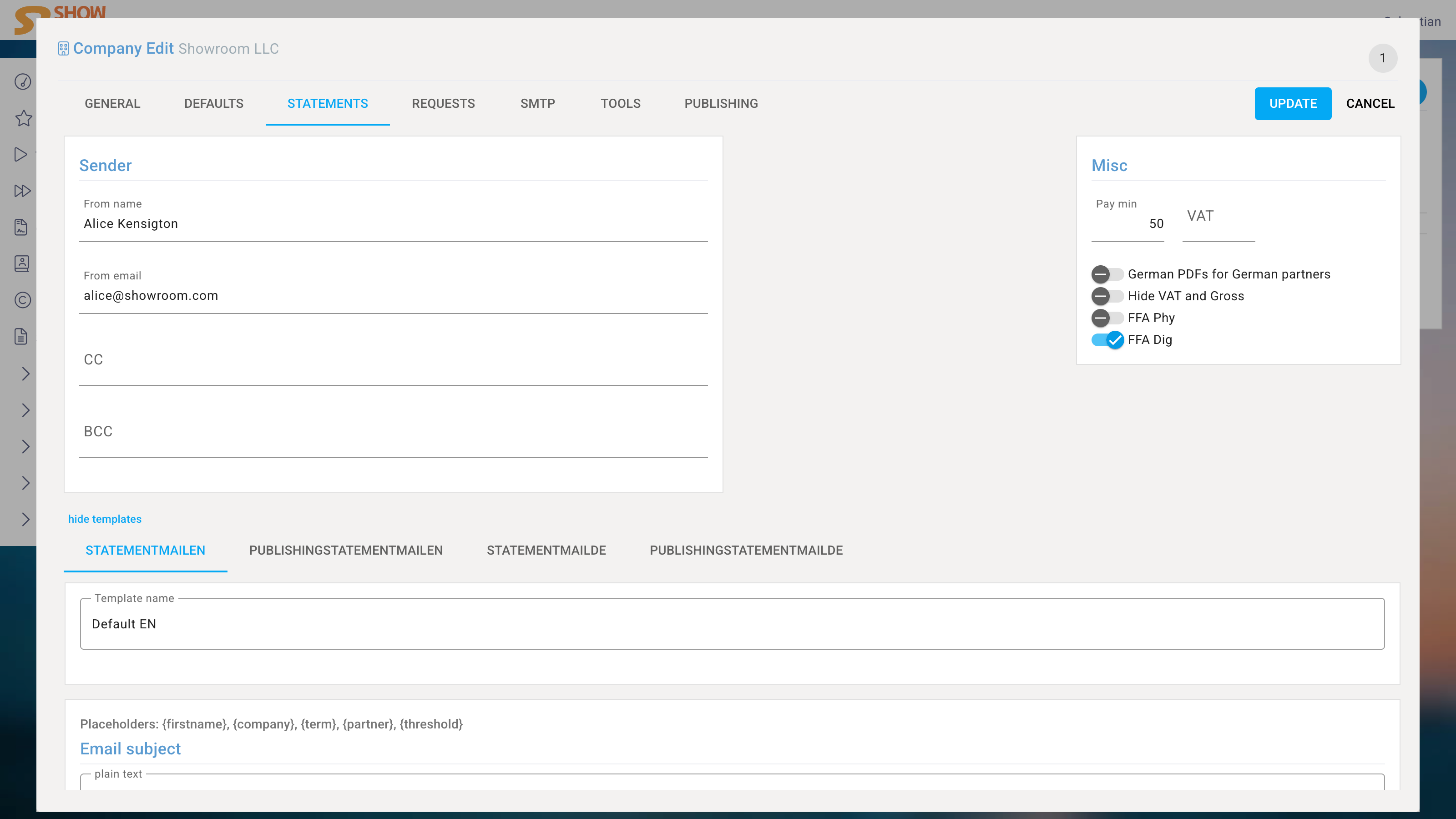
Companies
If there are multiple companies, there are two options.
Dedicated Instances
If the companies are fundamentally different and have more differences than similarities, one instance per company makes sense.
Each company then has its own database and cannot influence other companies.
Shared Instance
If both companies share a lot of data, such as licensors or income streams, it makes sense to manage them in a single instance. The system supports the business and financial differences at every stage.
This allows contracts to be created separately for each company, sales reports to be imported separately for each company, license invoices to be sent separately for each company, and all reports to be generated for each company individually.
The following explains the option Shared Instance.
General
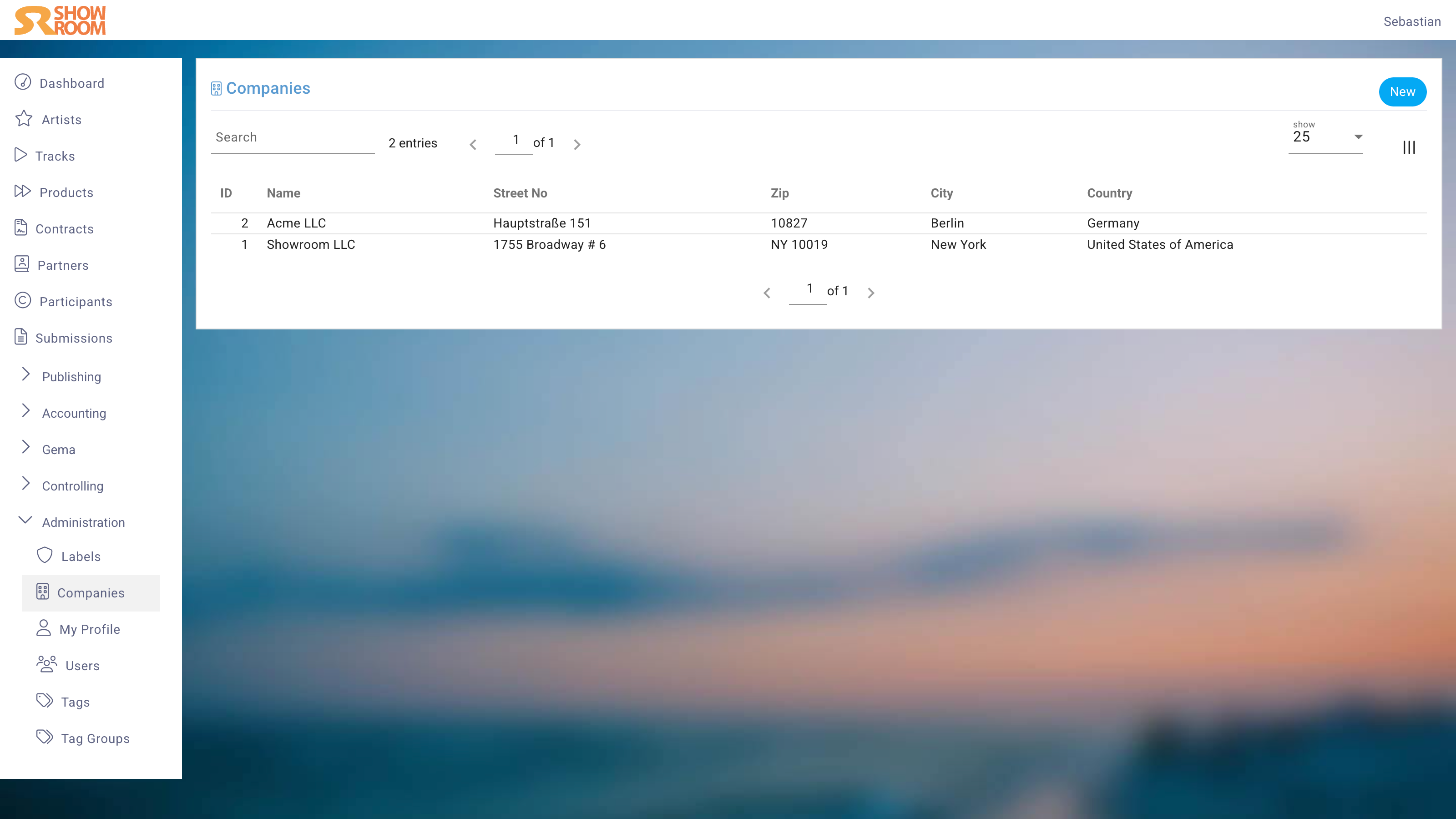
The General tab contains the name of the Company, which is used in various places throughout the system.
Code
The Company code is only used internally to shorten selections and file names.
Currency
Choose the currency in which the business primarily takes place. The system supports multiple currencies and can, for example, import sales reports in a different currency and automatically generate license invoices in a foreign currency.
Defaults
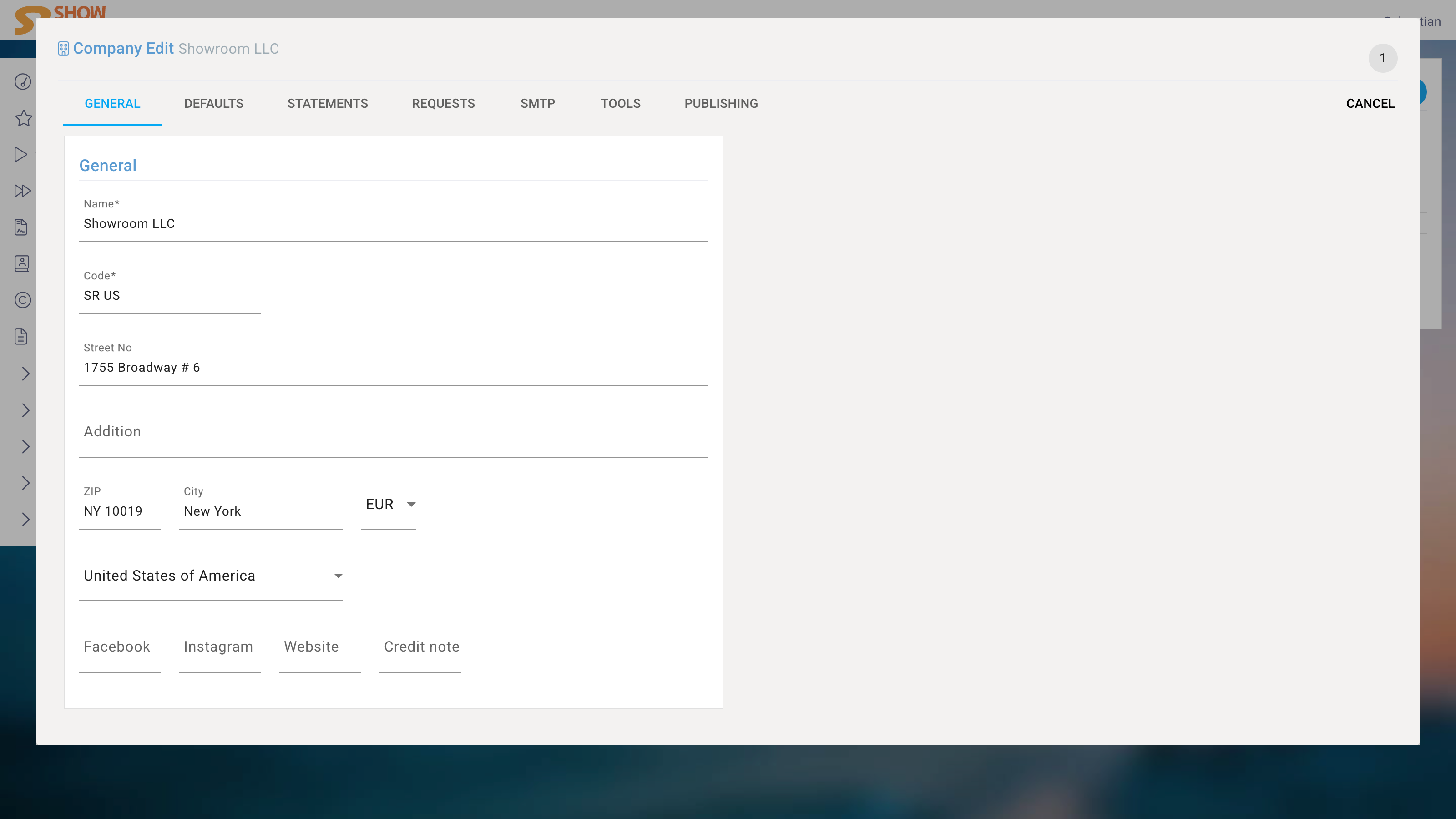
The Defaults tab allows you to set default values for new contracts and, depending on your instance, more custom defaults. This can save time and ensure consistency across the system.
Statements
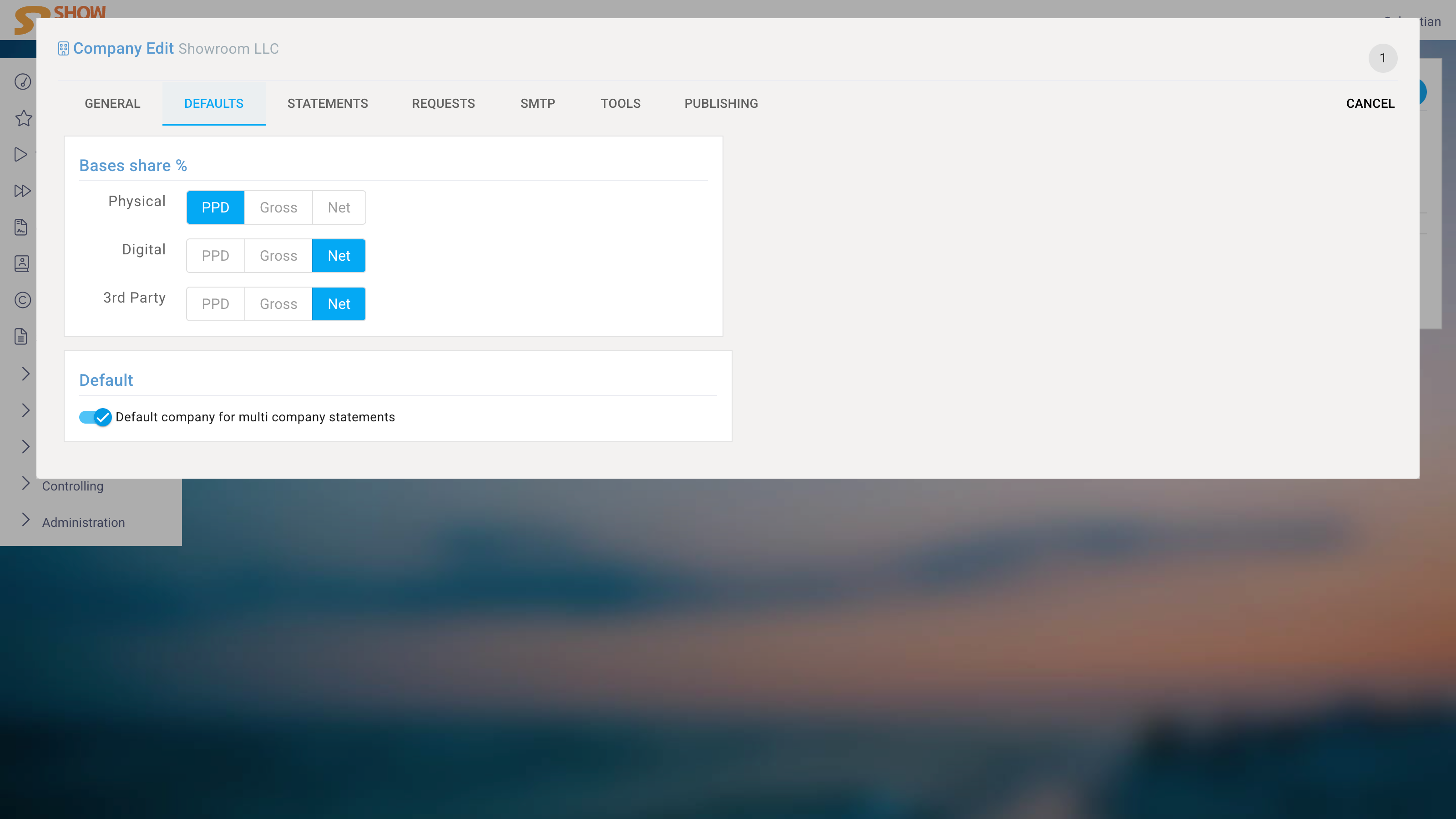
The Statements tab allows you to set default settings for new Royalty Statements.
Sender
Define the sender of the Royalty Statements, which will be used in the email when sending the statement to licensors.
Footer
The footer is included in the PDF of the Royalty Statement and can contain any information you want to include in the statement, such as contact information or payment details. It supports HTML formatting, allowing you to customize the appearance of the footer.
A separate footer can be created for each case:
- The statement includes a payout amount. If the credit note procedure is used, this should be indicated here. If the recipient needs to issue an invoice, we can provide the necessary information.
- If the amount of the statement does not reach the minimum payout amount, e.g., €50, it should be noted that the balance will be carried over to the next billing period.
- The statement shows a negative amount and the Partner is set to Deficit Statement. In this case, the Partner must cover the amount and the next statement will start again at €0.
Misc
Enter the minimum payout amount for the Royalty Statement. If the total amount of the statement does not reach this threshold, the balance will be carried over to the next billing period. However, an individual threshold can also be set for each Partner.